2027-28Admissions open, Nursery to Grade 12
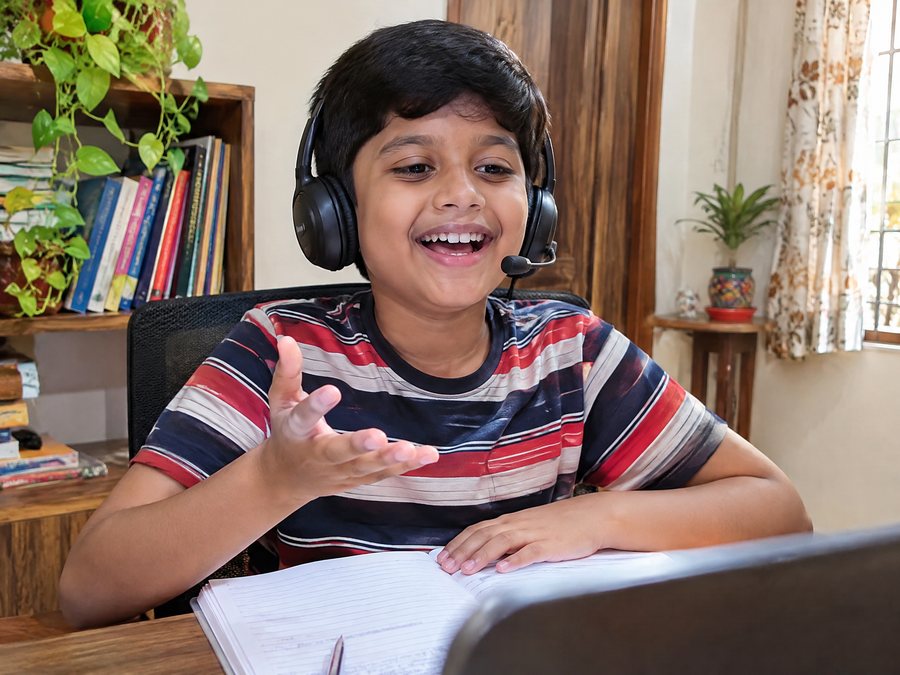
Give your child a school that comes home every morning.
Live classes with real teachers, a proper timetable, assignments and progress updates for you. Your child gets all of it without the early bus, the traffic or the heavy bag.

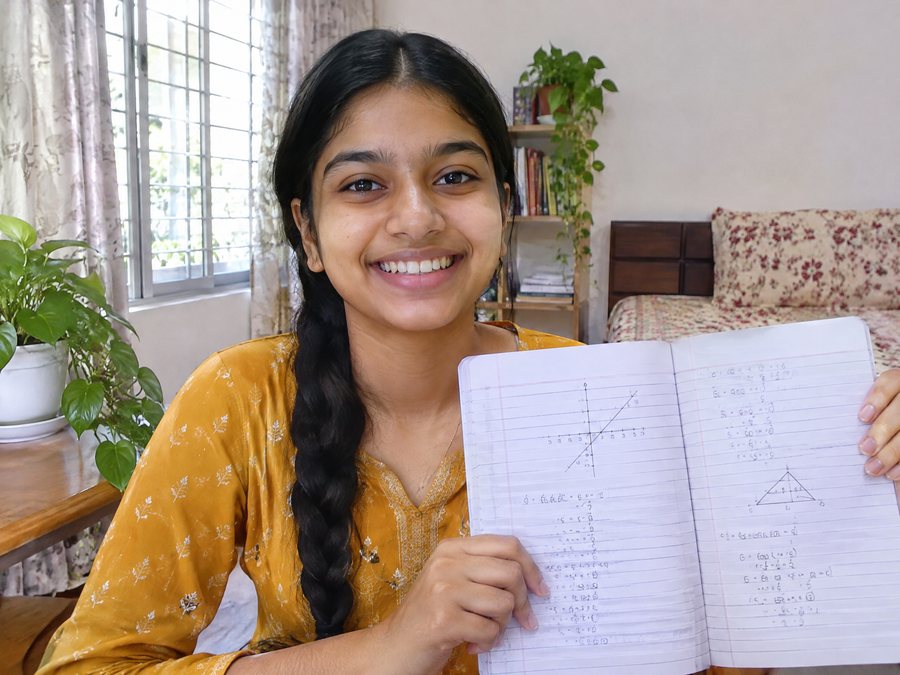

One school, from Nursery all the way to Grade 12
Admission enquirySession 2027-28
Talk to an admission counsellor
Fill this slip. A counsellor will call you about classes, curriculum and fees for your child.
Prefer to chat? WhatsApp us
Admission in three steps
It begins with a simple enquiry and one call with someone who knows the school.
- 1
Fill the enquiry slip
Your name, your child's name and class, and a number we can call.
- 2
Talk to a counsellor
Curriculum, fees, eligibility and the timetable for your child's class, all on one call.
- 3
Your child joins class
They log in, meet their teacher and classmates, and the school year begins.
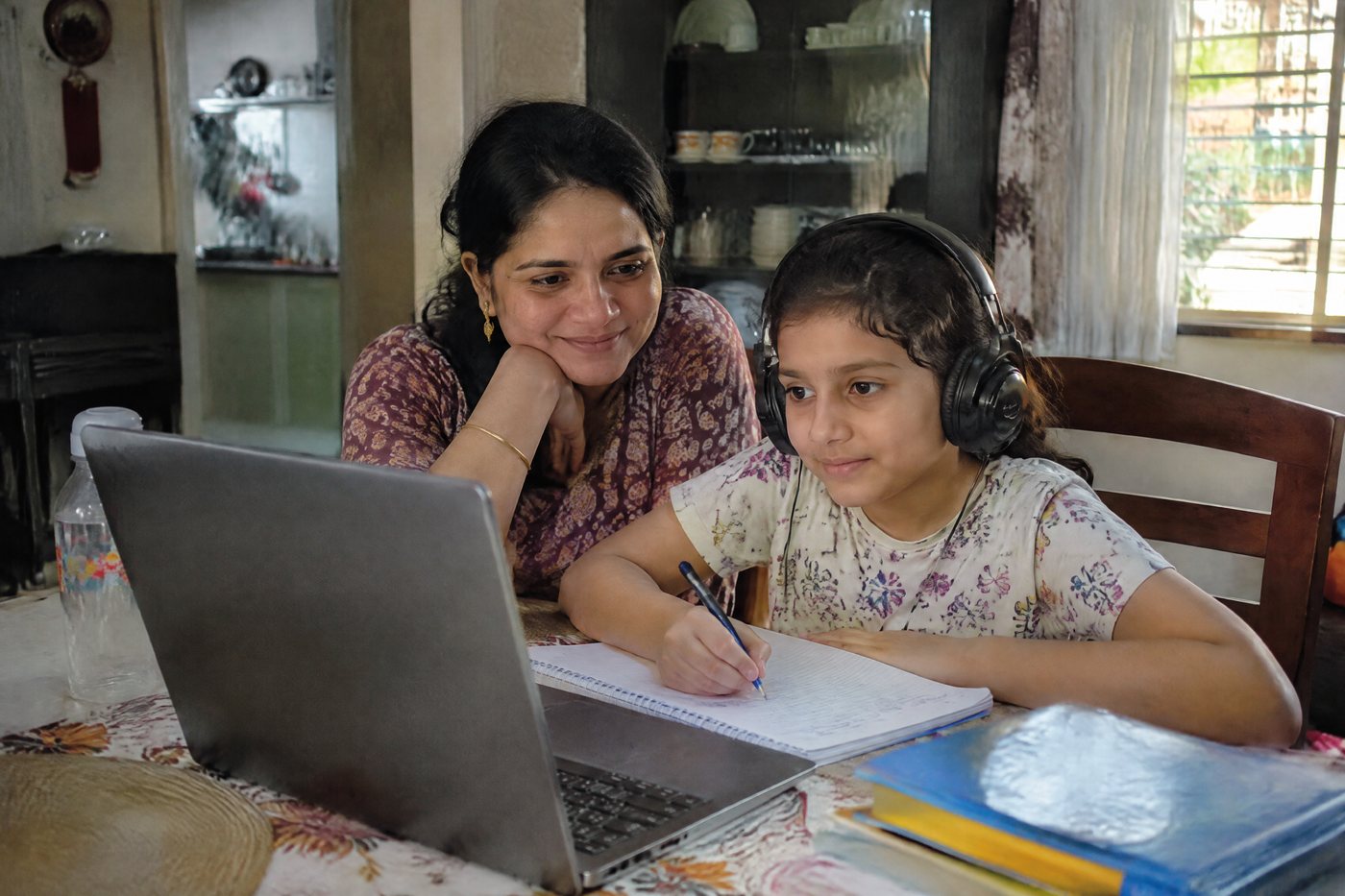
"But will my child really learn online?"
Almost every parent asks us this first. Here is the honest answer.
A teacher sees them, live
Every class is live and interactive. Teachers ask questions, check work and notice when your child is stuck.
The day has a timetable
Fixed periods with breaks in between, so screen time stays structured and your child knows what comes next.
You see the progress
Progress updates come to you, and you can speak with the school team whenever you need to.
A page from your child's school diary
Live teaching and independent work, in a rhythm children settle into quickly.
Live class
Interactive session with the teacher
Rest and refresh
Time away from the screen
Subject learning
Lessons, activities and discussion
Skill activities
Coding, languages and creative work
Independent study
Practice and assignments
Co-curricular
Workshops and extracurricular activities
Everything a school gives, without the school run
Traditional school
- Learning mode
- In a physical classroom
- Flexibility
- Fixed campus routine
- Teacher time
- In person, in class
- Travel
- Daily commute
- What parents see
- Periodic updates, varies by school
- How learning runs
- Classroom and textbook based
Cyboard School
- Learning mode
- Live online classes from home
- Flexibility
- Structured schedule, learn from anywhere
- Teacher time
- Live, interactive sessions with teachers
- Travel
- No commute at all
- What parents see
- Progress updates shared with parents
- How learning runs
- Home-grown LMS with AI-assisted skill mapping
Beyond the syllabus
Core subjects come first. The rest of the week builds skills your child will use long after the exams.
- 💻Coding
- 🌱Life skills
- 🌍Foreign languages
- 🎯Individualised learning
- 🧠21st century skills
- 🎨Extracurricular activities
- 🎧Language labs
- 🛠️Workshops
Parents, in their own words
Families who made the switch, and what changed at home.


Recognised for how we teach


What is a virtual school?
A virtual school teaches students online instead of in a campus classroom. At Cyboard, children attend live classes from home with their teachers.
Which curriculum does Cyboard follow?
Your admission counsellor will share the curriculum and learning framework for your child's class.
How are the live classes conducted?
Students join live, interactive sessions with teachers, followed by independent practice and activities. Learning runs on Cyboard's home-grown LMS.
Which grades are available, and who can apply?
Cyboard offers schooling from Nursery to Grade 12. Your counsellor will confirm age and eligibility for your child's class.
How do I apply for admission?
Fill in the enquiry slip. An admission counsellor will call you to explain the process and next steps.
What are the fees?
Fees depend on your child's class. Book a consultation and your counsellor will share the details.
What does my child need at home?
A device and a stable internet connection. Your counsellor will confirm the exact requirements.
How can parents stay involved?
Parents receive progress updates and can speak with the school team. Ask your counsellor how reporting works for your child's class.
Admission starts with one phone call
Tell us your child's class. A counsellor calls you, explains the curriculum and fees, and answers every question you have. Then you decide.